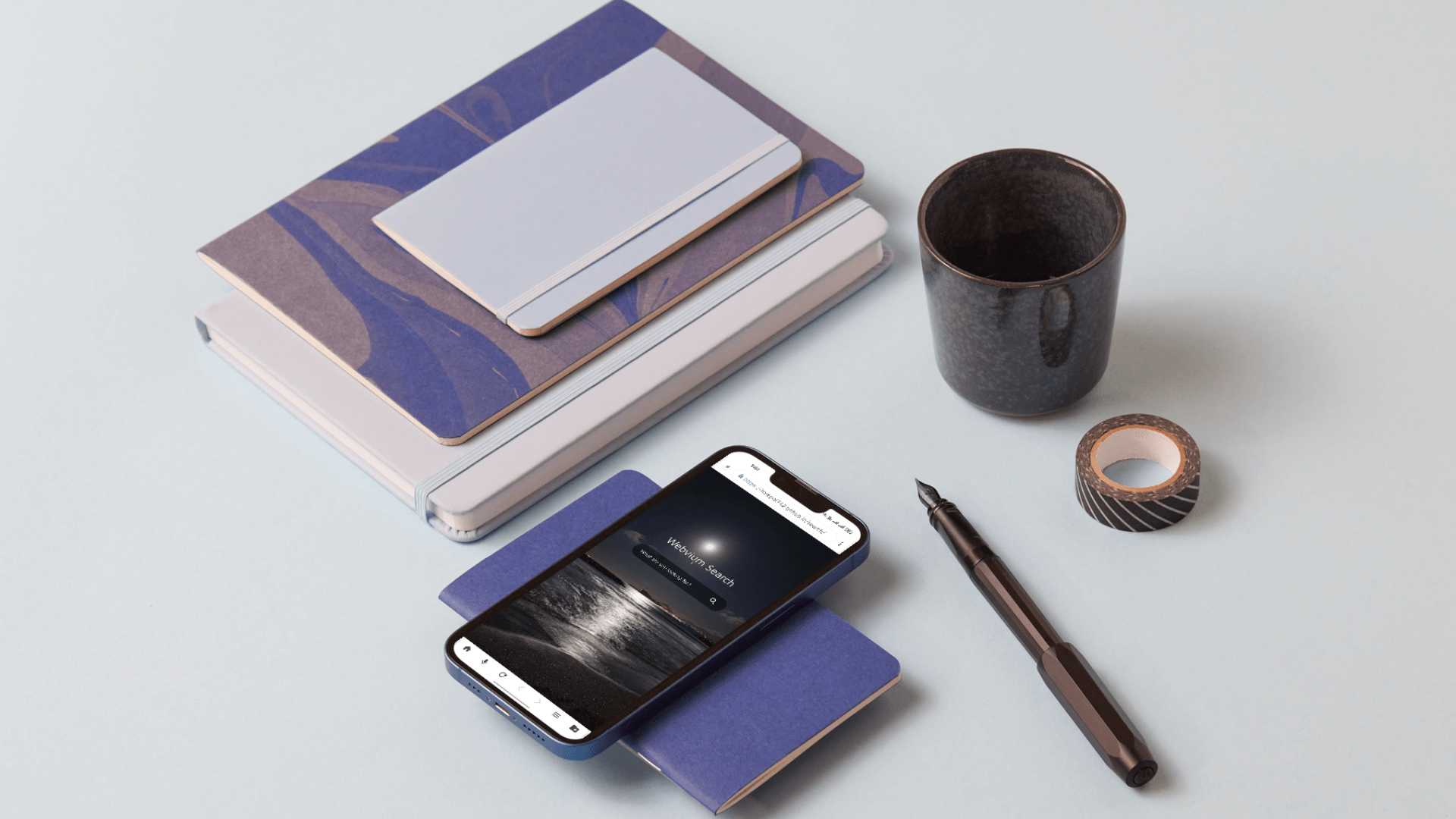
About the Product
I built Webvium on 2018 with the vision of creating the lightest, fastest, most secure, private and full-featured android web browser. Programmed and design from Scratch. Webvium is built with speed and simplicity in mind. It installs in seconds, loads instantly, and runs smoother than ever. Experience faster browsing, quicker downloads, and effortless sharing—all in one ultra-light package.
Gallery

Features
Endless Customization
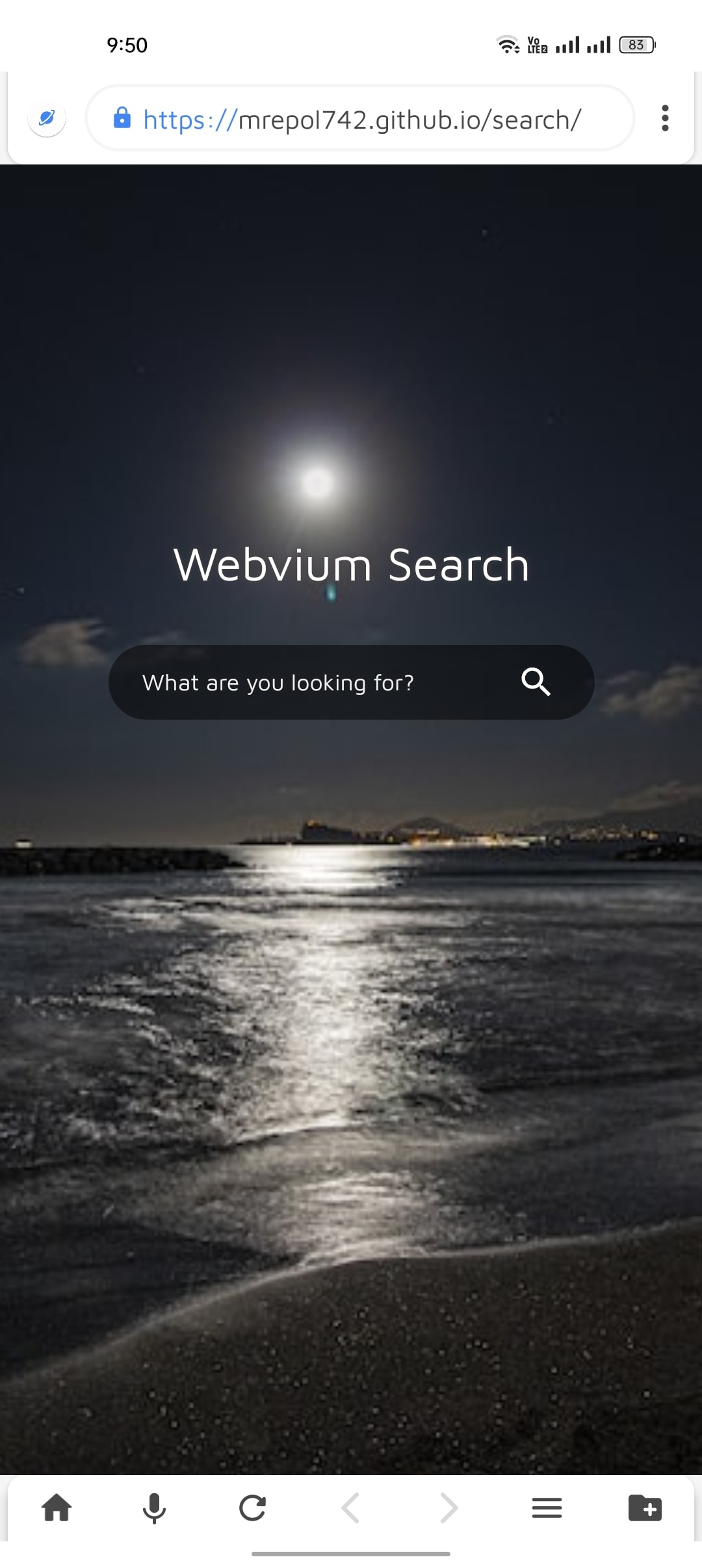
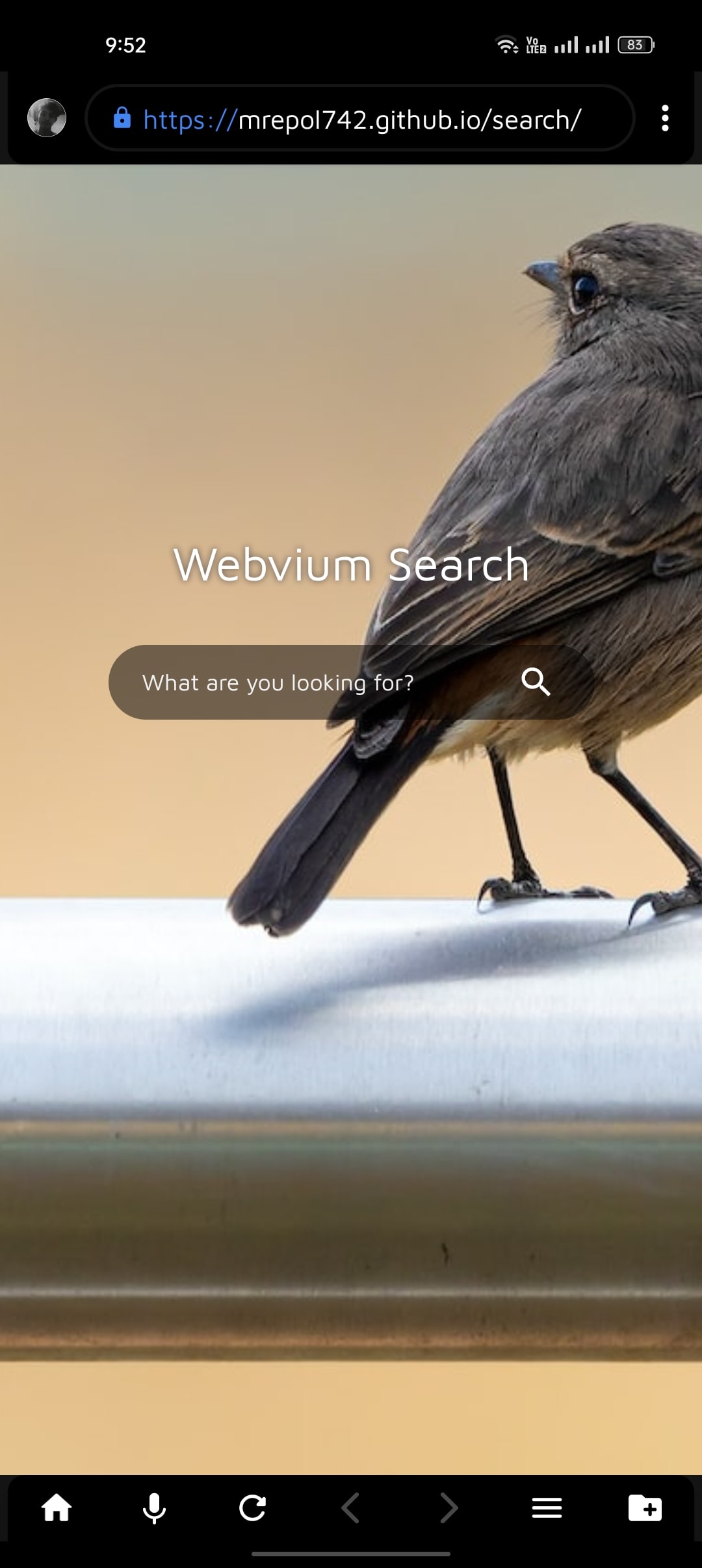
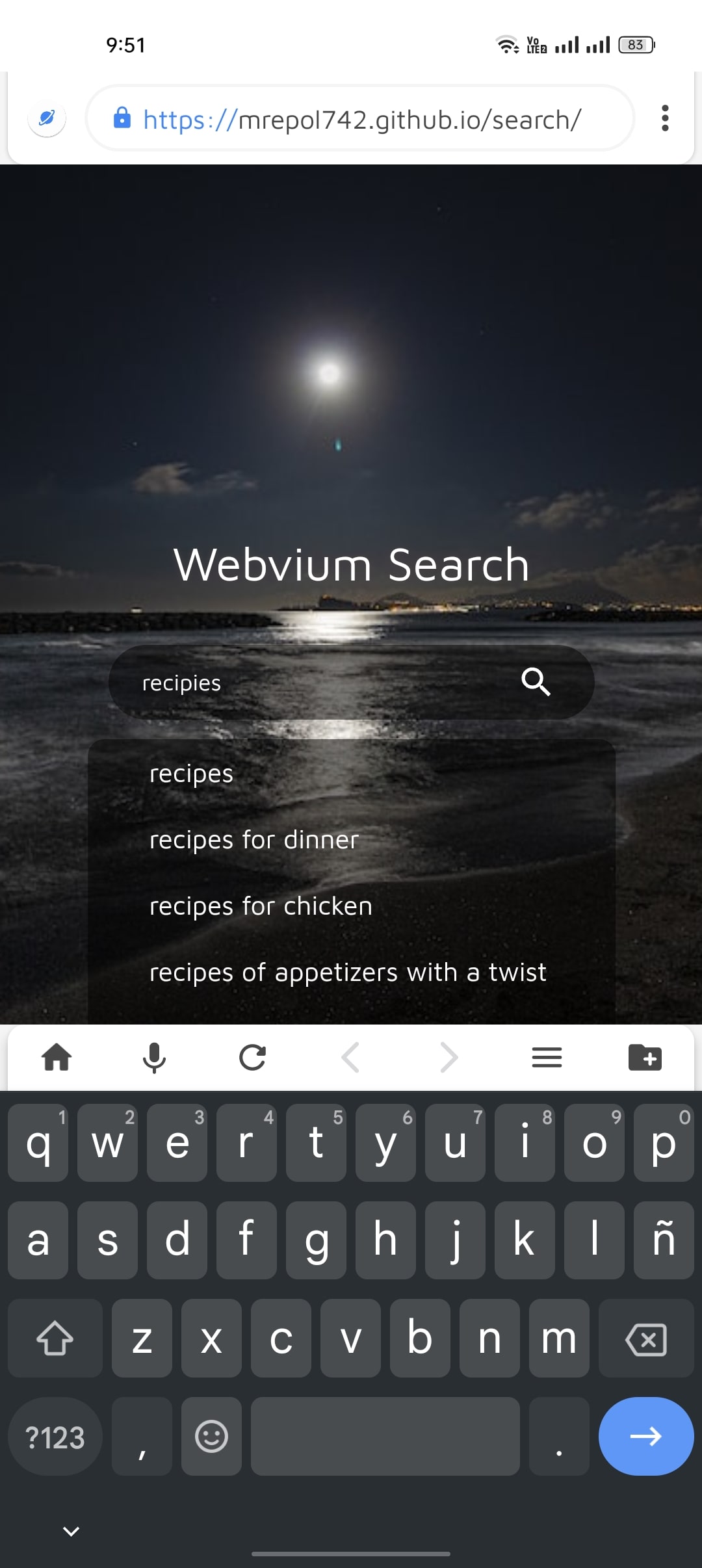
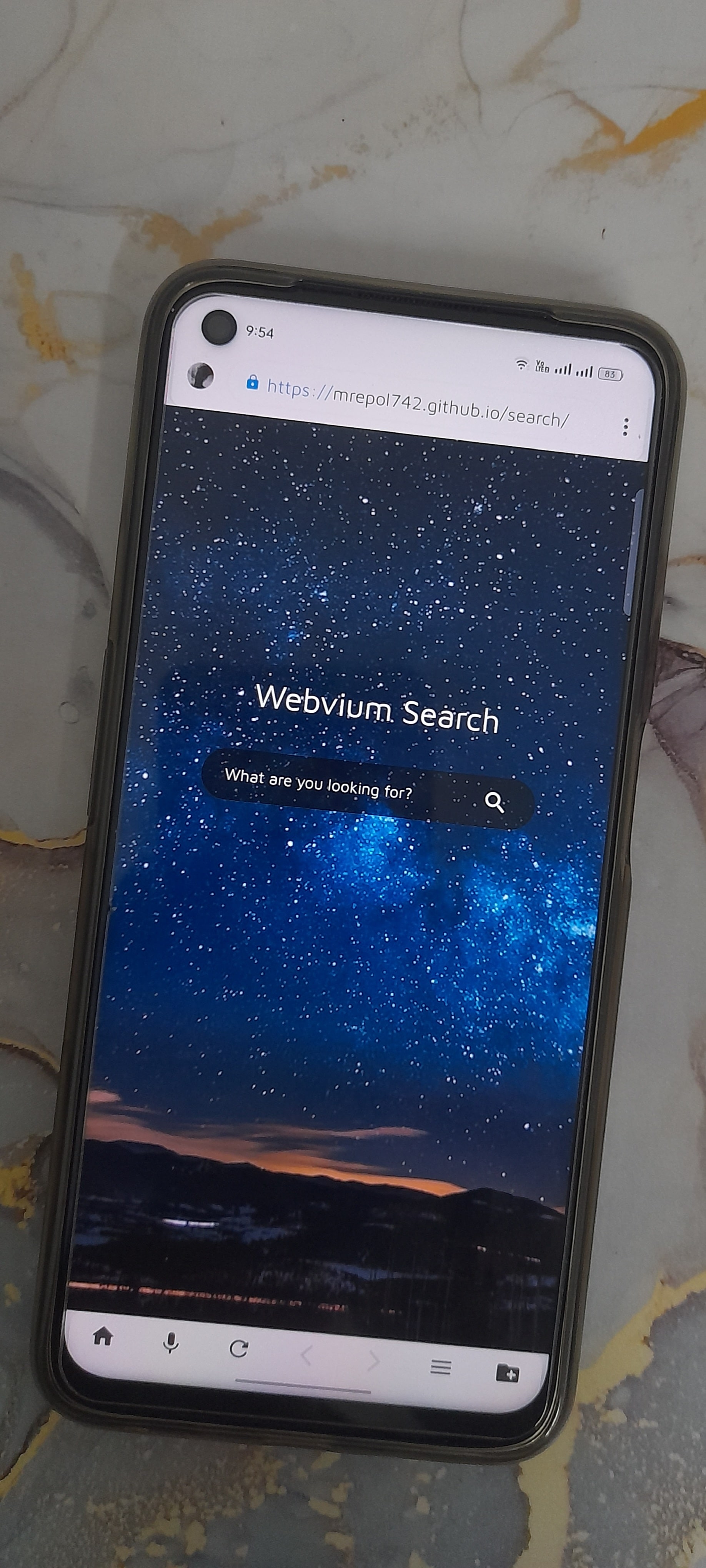
Personalize your browsing experience like never before. Switch between light and dark themes, add soft screen curves, or set your favorite photo as the background. Webvium lets you redefine how your browser looks and feels—just the way you like it.
Lightweight. Lightning Fast.
Webvium is built with speed and simplicity in mind. It installs in seconds, loads instantly, and runs smoother than ever. Experience faster browsing, quicker downloads, and effortless sharing—all in one ultra-light package.
Beautiful Material Design
Dive into a clean, modern interface inspired by Google’s Material Design. With carefully chosen colors, icons, and the elegant Maven Pro font, Webvium delivers a fresh, minimal, and intuitive browsing experience you’ll love to use.
Total Control at Your Fingertips
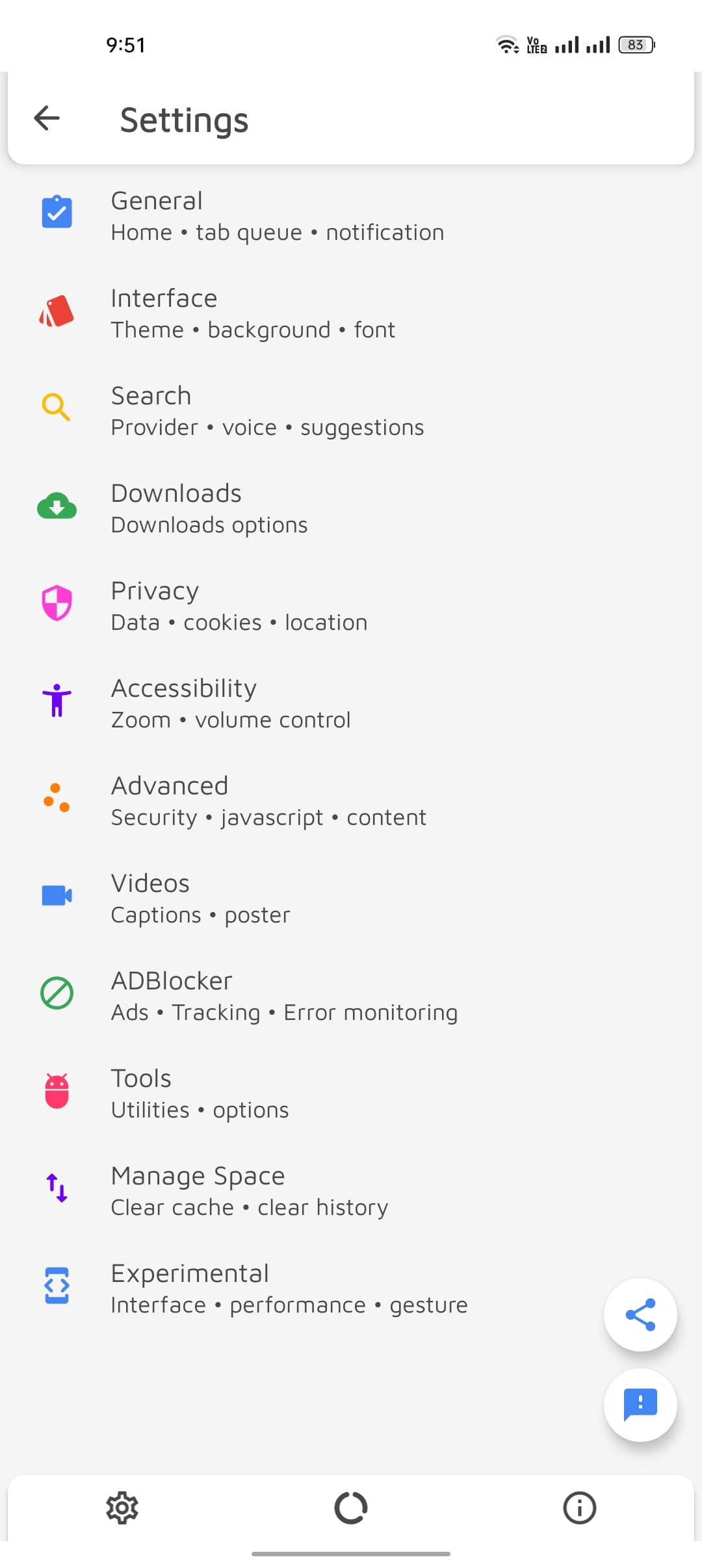
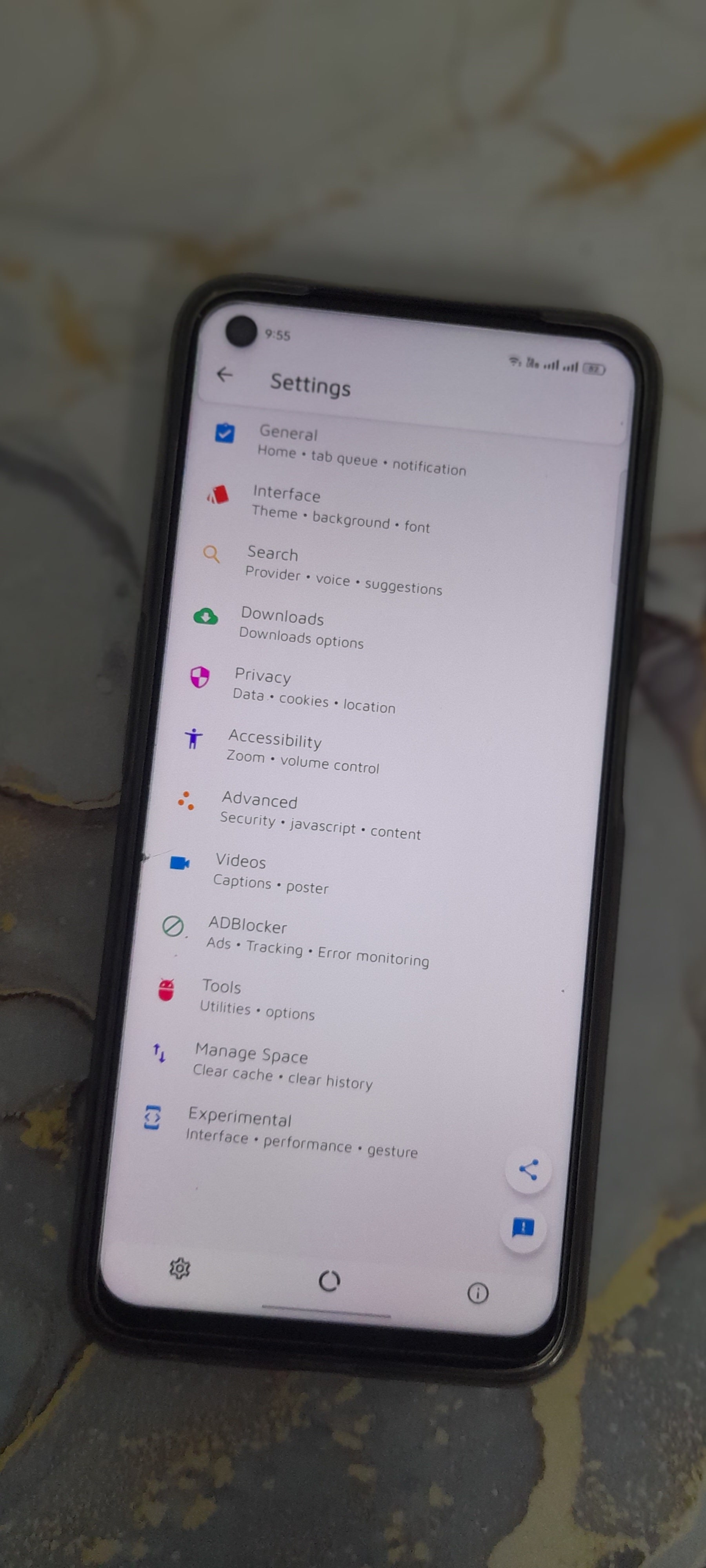
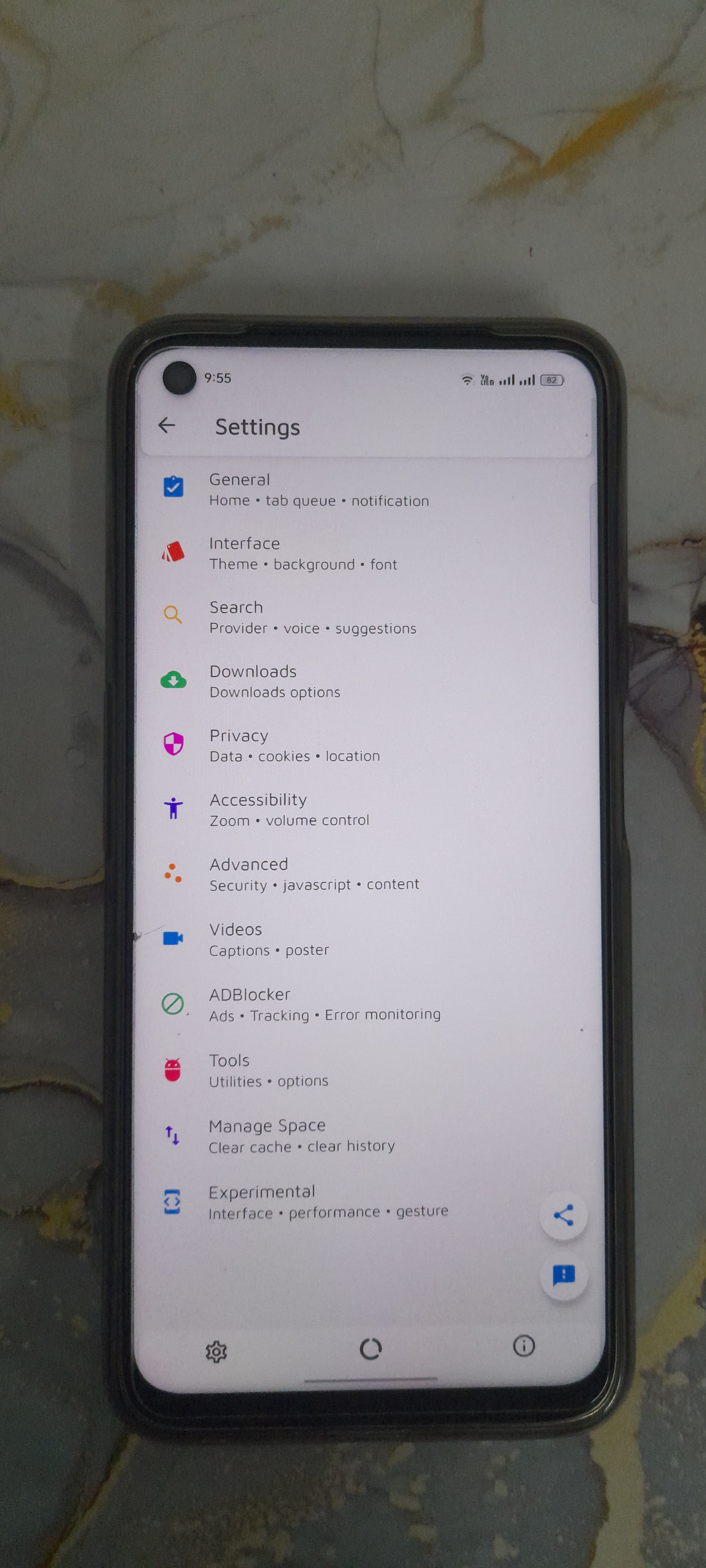
You’re always in charge. From web preferences to privacy settings, Webvium gives you complete control over how you browse. Adjust anything, anytime—because you’re the true admin of your experience.
Unmatched Privacy Protection
Your data is yours alone. Webvium never tracks, collects, or shares your browsing activity. Enjoy complete anonymity and peace of mind with our commitment to total privacy.
Your Data, Your Power
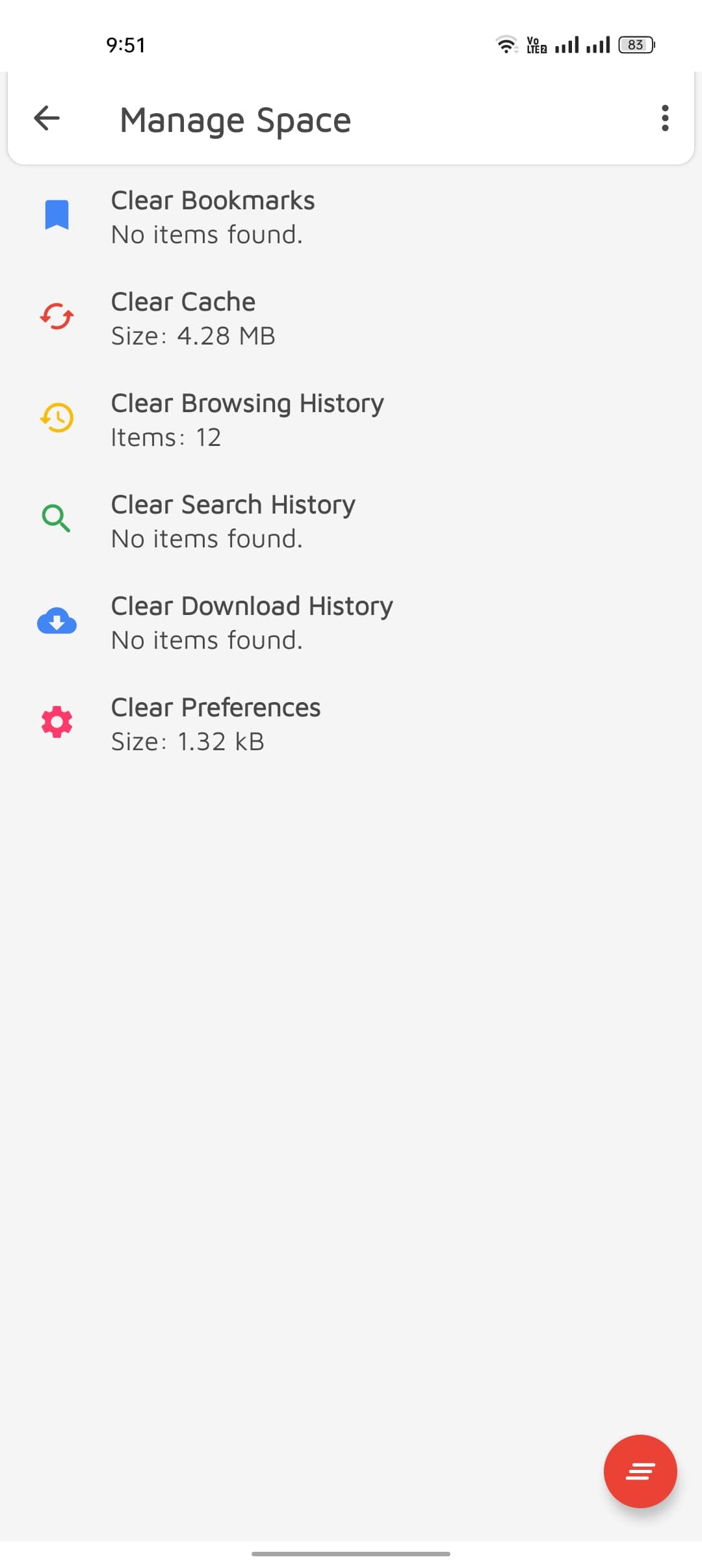
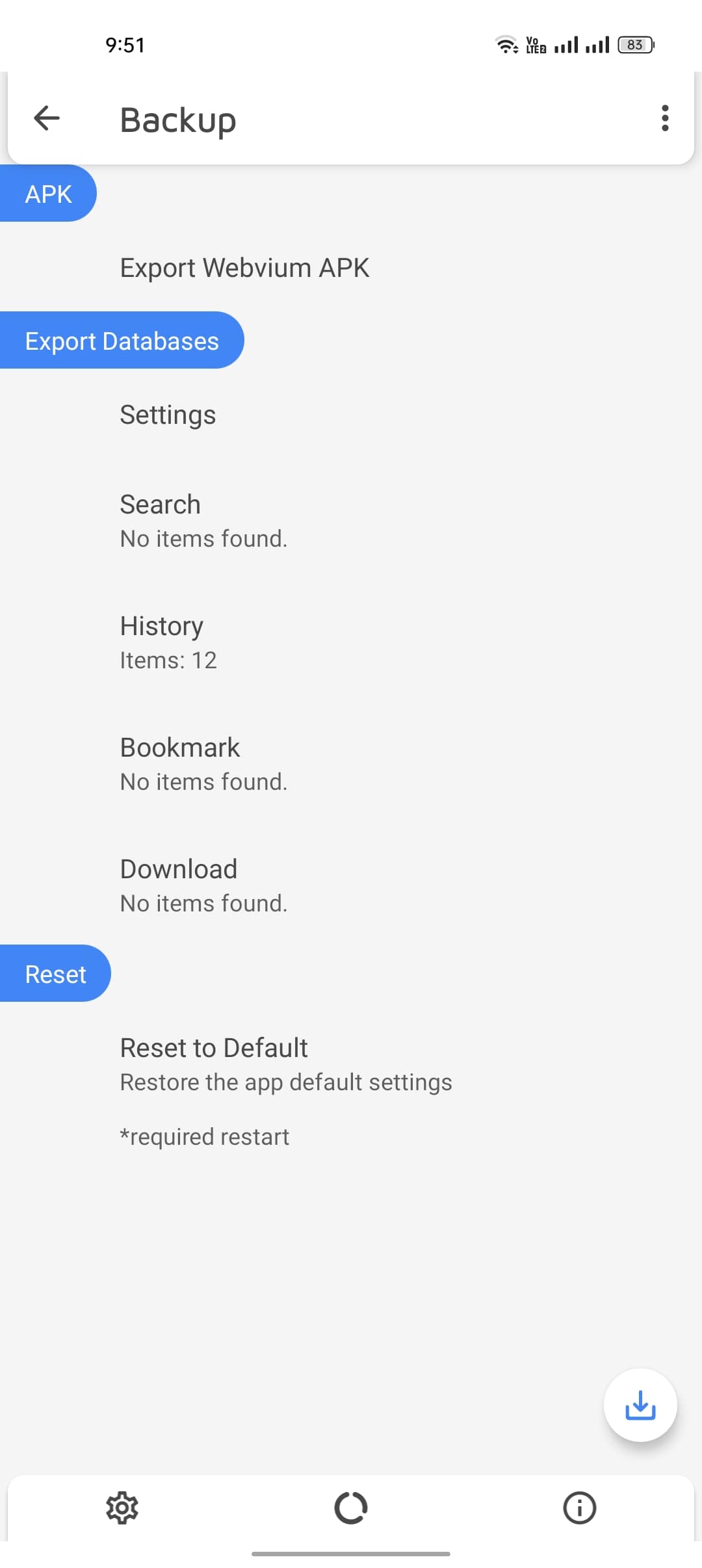
Back up everything—your history, bookmarks, searches, and settings—with just a tap. Webvium lets you export and restore your data whenever you need it, keeping you in full control at all times.